Send a preview by email
You email a preview only to an address the business published itself, and every draft waits for your review.
Before you start, connect your mailbox. Sending needs a verified mailbox.
Add a business
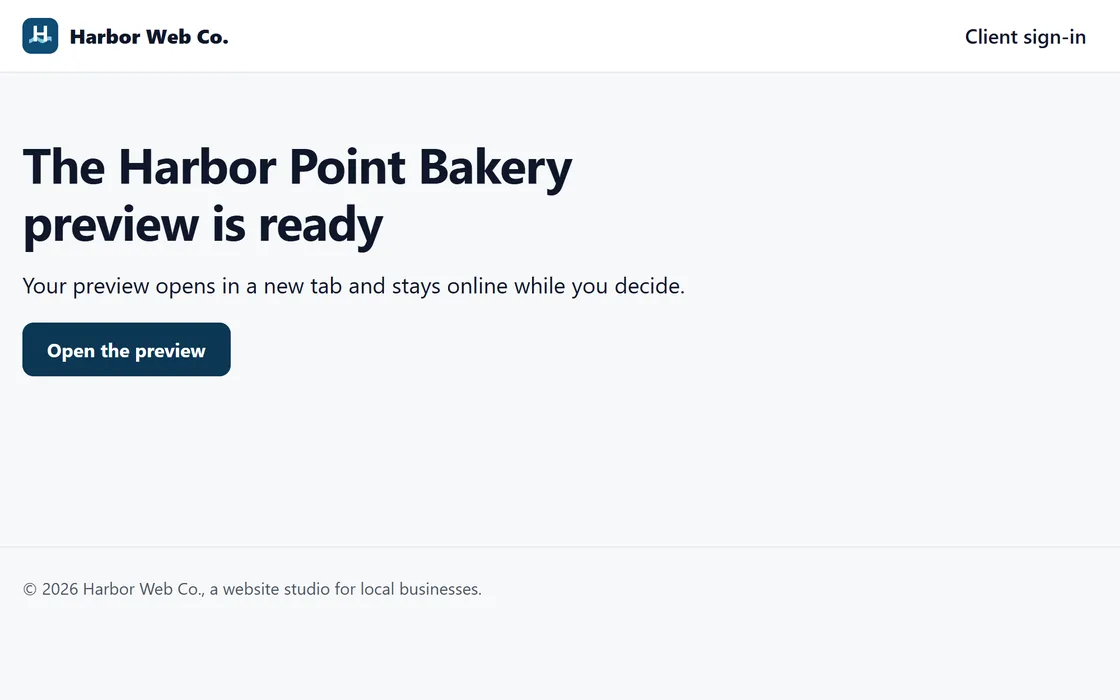
- Press Add to outreach on a lookup result, then Build a preview.
- Enter the address the business published and the page where it appears.
- We draft the first email and two follow-ups for you to review.
If the business website credits a web designer, the business goes to your call sheet, so you can call.
Review each draft
- Read each draft in the Review section of the Outreach tab.
- Approve it, edit it or skip the business.
- An edited draft is checked again before you approve it.
- Approved emails go out in the next weekday sending window.
You can turn on automatic approval for drafts that pass every check. The footer with the one-click unsubscribe is added when the email is sent, so an edit cannot remove it.
Questions
Why was an address refused?
Outreach goes only to an address the business published itself, on the page you give. Check the page and the address.
Do follow-ups stop when a business replies?
Yes. Any reply ends the follow-ups for that business.
How long does the preview stay online?
30 days, unless you or the business take it down sooner.
Related guides
Screens and businesses shown are fictional.
If you are still stuck, write to us, or see all 20 guides.