Find businesses that need a website
Choose a type of business and a town. The lookup lists the local businesses with no website, a broken one or one that is out of date, and shows what our check found on each.

Three steps
You search a town, pick a business and send its preview, all from the same screen.
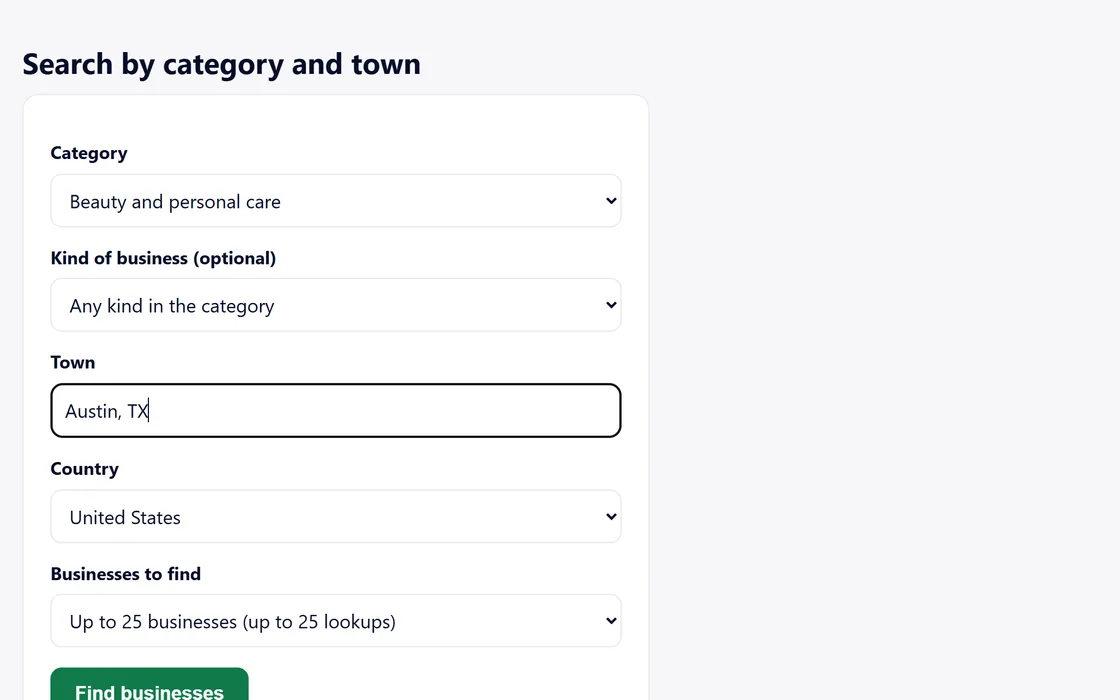
Step 1 of 3
Search a town
Choose a type of business, such as restaurants or plumbers, then a town and how many businesses to find.
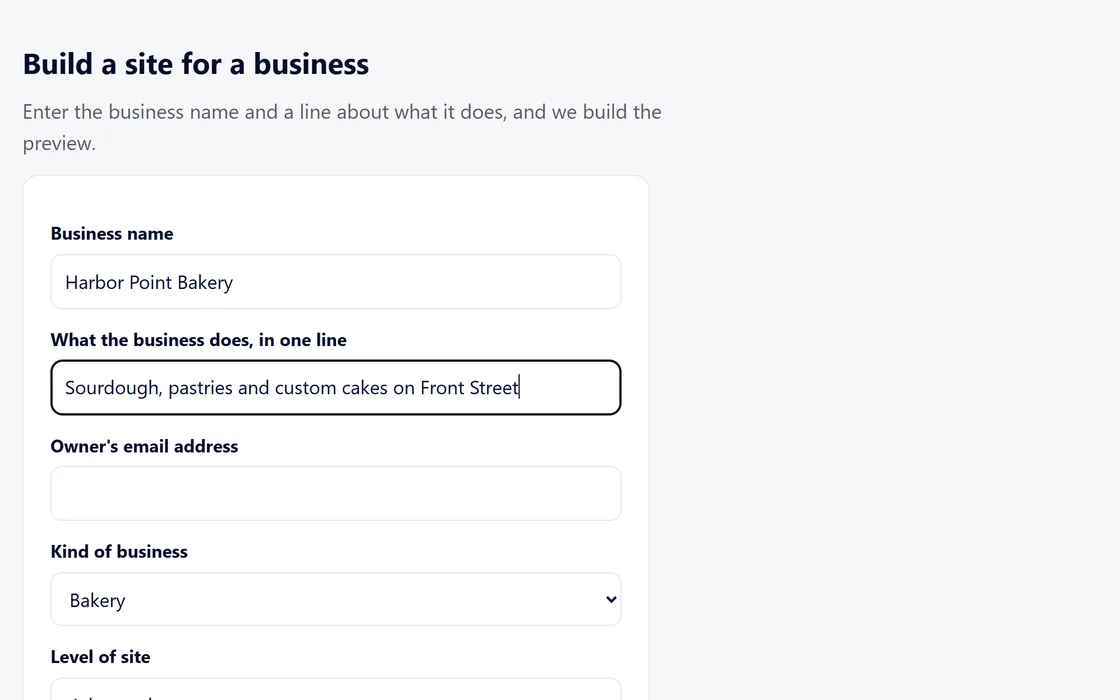
Step 2 of 3
Pick a business
Press Build a preview on any result, then confirm or correct its name and details before anything is built.
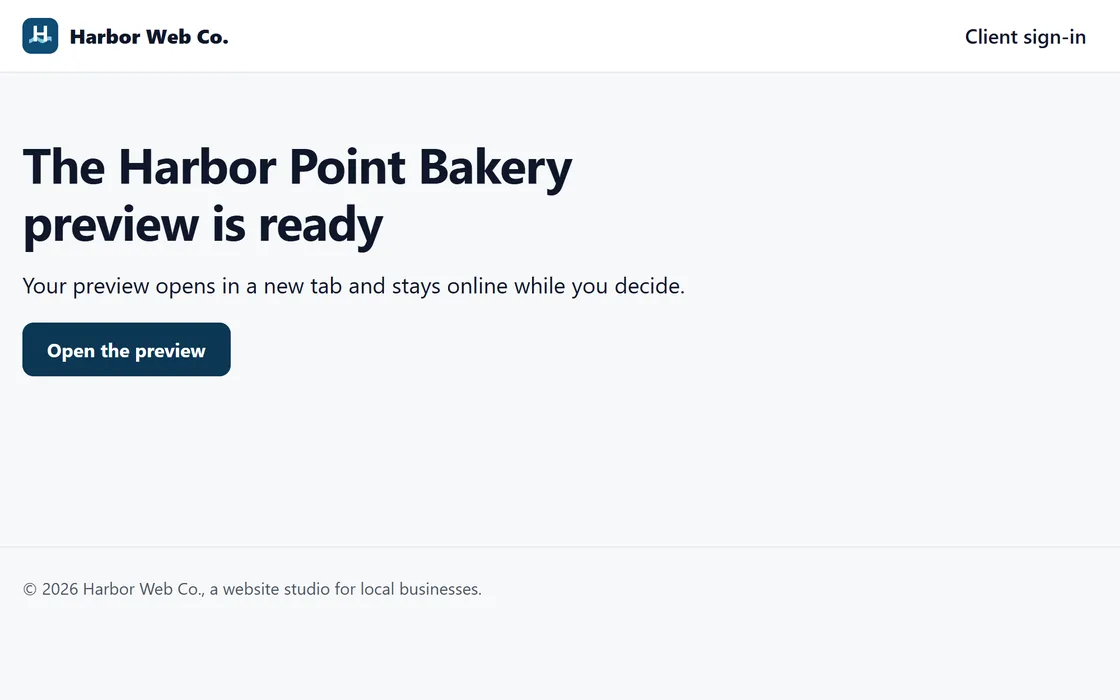
Step 3 of 3
Send the preview
Our AI builds the whole site in minutes, and you send its link to the business under your name.
The guide to finding businesses walks through each screen, and the tour follows one business from the lookup to a client's approval.
Screens and businesses shown are fictional.
What the check finds
Every result says what our check found, in words you can repeat to the owner.
No website of its own
- None found No website on the listing, and no web address based on its name leads to a site of its own.
- Ordering page only The listing links to an ordering page in place of a site.
- Social page only The listing links to a social or directory page in place of a site.
A broken website
- Address does not resolve The web address on the listing leads nowhere.
- Certificate error Browsers show visitors a security warning before the site.
- Parking page The address shows a parking page in place of a site.
An outdated website
- Outdated The site has no phone layout, no secure connection, or a newest date five or more years old.
- A business with a website can still need a new one, and its result names the part that is out of date.
Chains, closed businesses and businesses with a working, current website of their own never appear in the results.
Who you contact
You decide which businesses to contact and how: by phone, in person, or by email from your own mailbox, in your name. We never contact a business for you.
Any business can leave the list at any time through the form on the prospect data page, and it leaves every search.

Questions
Which towns can I search?
Towns across the United States. Choose a type of business and a town, and find up to 50 businesses at a time.
Where do the results come from?
From public map listings and, in some towns, public license and inspection records, together with our own check of each business's website.
How many lookups do I get?
Every paid plan includes lookups each month, and packs add more when you need them. Each business you find uses one lookup.
Can I come back to a search?
Yes. Search the same town again this month, and the businesses you already found show again without using more lookups.
Can I build for a business I found myself?
Yes. Type its name and one line about it into the website builder, and its site is built the same way.
Can a business ask to be removed?
Yes. Any business can leave the list through the form on the prospect data page, and it leaves every search.