Build a preview
A preview needs only the business name and one line about what it does, and it is ready in minutes.
Build it
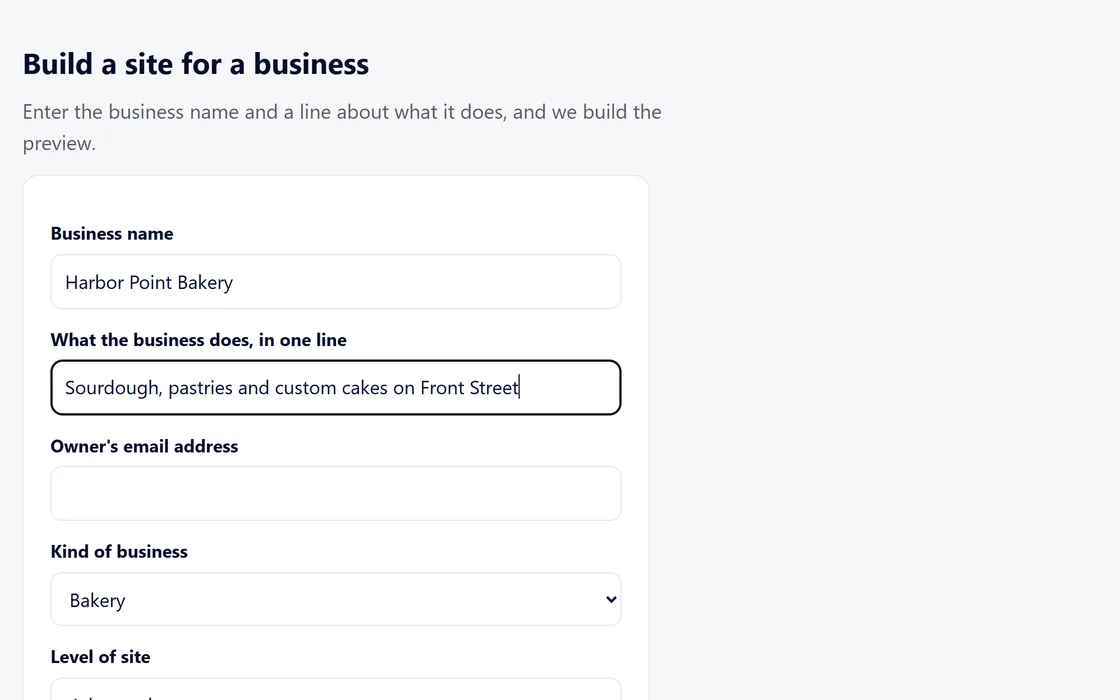
- Press Build a preview on a lookup result, or use the build form on your dashboard.
- Enter the business name and one line about what it does, then choose the kind of business and the level of site.
- Your dashboard shows the site as building.
- An Open link appears on your dashboard when the preview is ready.
The first build of every site uses no AI credits.
Check it before you send
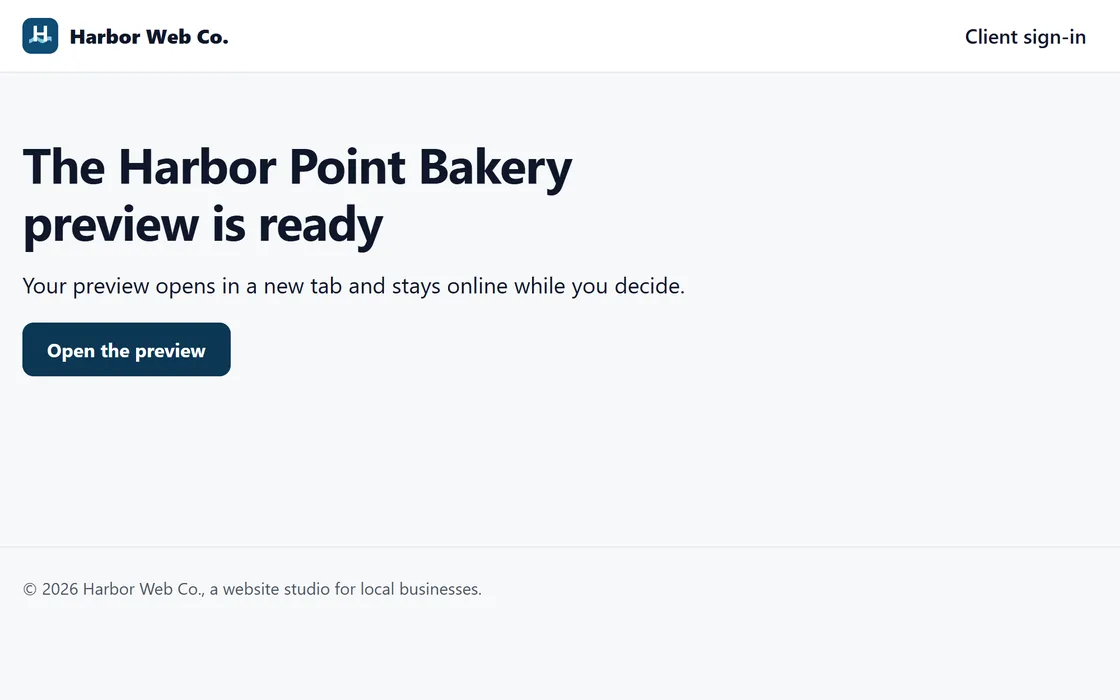
- Open the preview and read each section.
- Change anything by describing it in plain words.
- Send the link, share your storefront, or send it by email from your own mailbox.
Every preview stays online for 30 days, unless it is taken down sooner.
Questions
Can I build the same business again?
Yes. A new build starts a new preview with its own address.
The details were wrong.
Change them in the preview by describing the change, or build again with the right details.
The business wants to fill in its own details.
Send it an intake form, and its site is built from its answers.
Related guides
Screens and businesses shown are fictional.
If you are still stuck, write to us, or see all 20 guides.