Send an intake form
An intake form lets a business send its own details, and its site is built or updated from its answers.
Make the link
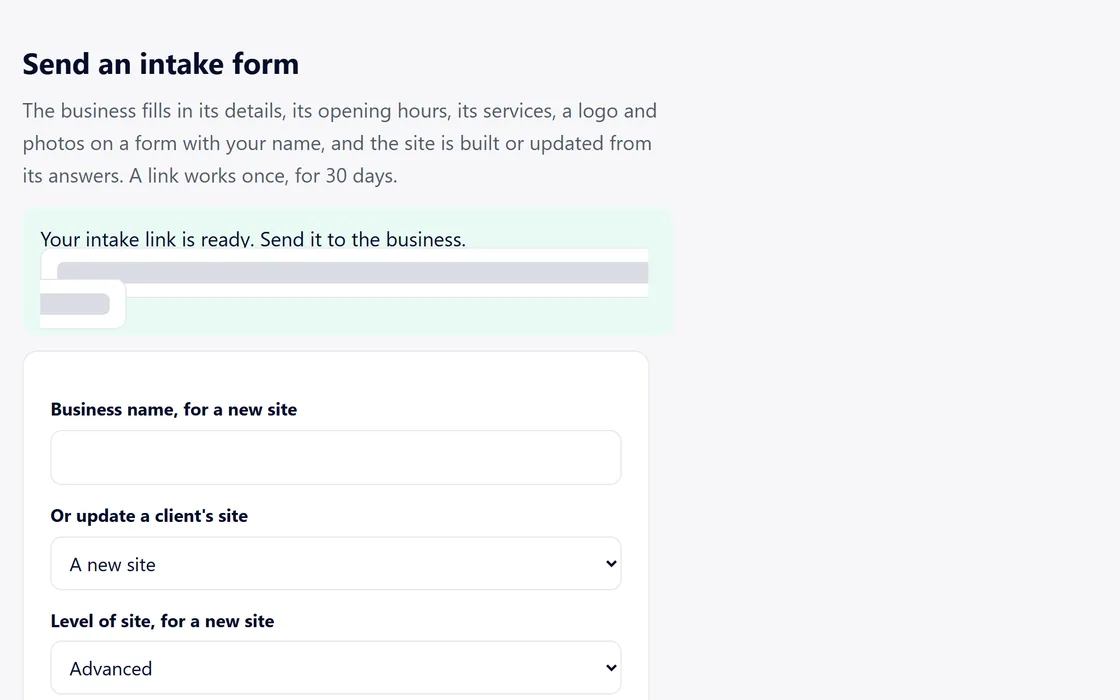
- On your dashboard, go to Send an intake form.
- Enter the business name for a new site, or choose one of your clients' sites to update.
- Press Make the link, and send the link to the business.
A link works once, for 30 days.
What the business fills in
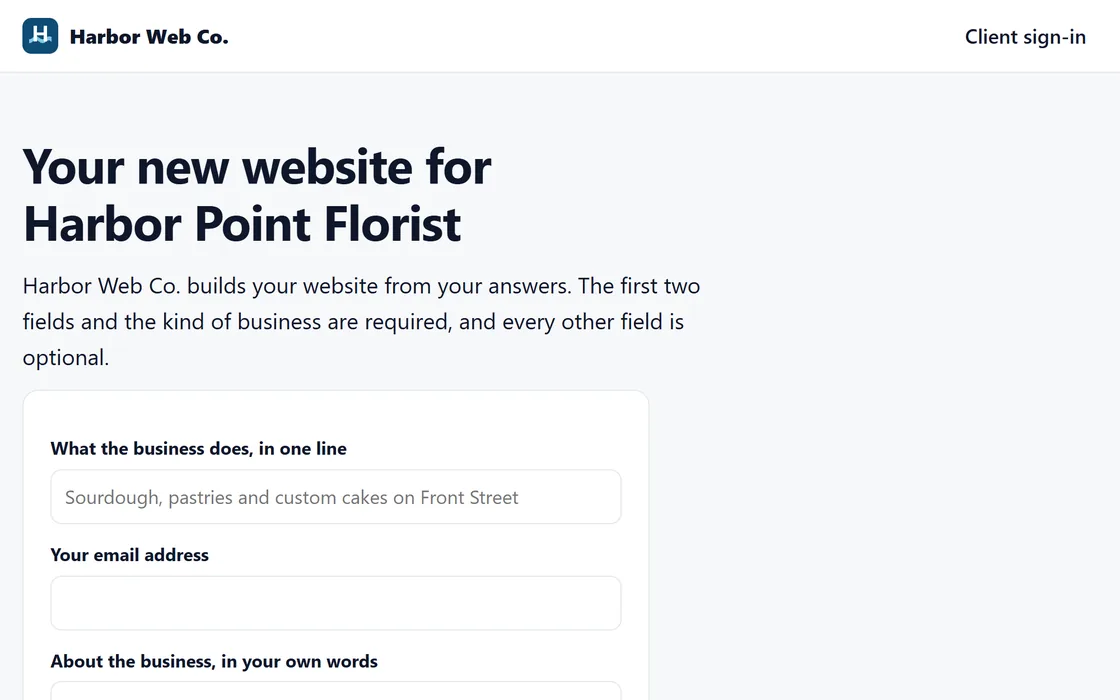
- Its details: the name, the address and the phone number.
- Its opening hours and its services.
- A description in its own words.
- Its logo and its photos.
The site is built or updated from the answers, and your dashboard shows the result.
Questions
The link has expired or was already used.
Make a new link from the same place on your dashboard. Each link works once, for 30 days.
A photo was left out.
Every photo is checked before it appears on a site, and any photo that is left out is named on your dashboard.
Does an intake use AI credits?
Yes. Each intake uses one credit to check its photos and logo, and an update uses one more for each section rewritten from the answers.
Related guides
Screens and businesses shown are fictional.
If you are still stuck, write to us, or see all 20 guides.