 Ironstone
For nearly every local business, yes. Customers look a business up before they call or visit, and a website is the one place the owner controls what they find: the hours, the services, the prices and a button that calls. A social page and a map listing help, but the owner doesn't own them, and they don't answer every question. The few exceptions are businesses fully booked with no plans to grow. This guide covers what a website does, the honest exceptions and six checks you can run on any business.
Key facts
- Ironstone's own records show that, of the 56 businesses with a gap that Lead finder, our business lookup tool, showed partners between October 8 and November 17, 2026, 14 had a listing whose website and name-based web addresses did not open, with our own accounts left out. 4
- In Rio SEO's 2025 Local Search Consumer Behavior Study, 53% of US consumers are unlikely to visit a business whose online listing has wrong information. 2
- Clutch's 2025 survey found that 17% of small businesses still had no website, and over a third of those say a website isn't relevant to them. 3
Do small businesses need a website in 2026
The short answer is yes for nearly every business that wants new customers. Before customers call, they check. They search the name, read the listing and look for a website, and what they find decides whether they pick up the phone. Three survey figures show how customers search and what puts them off.
of US consumers used a search engine to find a local business in the past month, in a 2025 survey of more than 1,000 people. A business with nothing to find loses that search to the one next door. 1
of US consumers are unlikely to visit a business whose online listing has wrong information, according to a 2025 local search study. A website the owner keeps current is the simplest way to keep the hours and phone number right. 2
of small businesses still had no website in Clutch's 2025 survey. Over a third of those say a website isn't relevant to them, which is the belief this guide answers. 3
So the question for a business is rarely whether customers look it up. They do. The real question is what they find when they do: a clear page with the hours and a call button, an old page that breaks on a phone, or nothing at all.
Tip
Search the business on your own phone before any conversation. What you find in ten seconds is what its customers find too.
What a website does for a small business
A small business website shows the hours, the phone number and what's offered, puts a call button under a customer's thumb and takes messages when the business is closed. Each job answers a question a customer would otherwise call about, or walk away over, and none of them needs to be fancy. Here's the full list. If a website does these well, it's doing its work.
- Shows the hours, address and phone number in a place the owner controls.
- Puts a call button where a customer on a phone can tap it.
- Lists the services or menu, so customers know what's offered before they call.
- Shows the business is real, open and cared for by someone.
- Takes messages, bookings or orders when the business is closed for the day.
- Gives the map listing's Website button somewhere useful to send people.
- Answers the same questions staff answer on the phone every day.
- Belongs to the owner, at a web address the owner keeps.
Google's own help page on local ranking tells owners to make their Google Business Profile as complete as possible. That profile has a Website button. A website gives it a place to send people who want more than the hours, like the full menu or the area the business serves.
When a small business can skip a website
A small business can skip a website when it's fully booked with no plans to grow, works for one or two clients who never search, is about to close or move, belongs to a chain with one website, or is a hobby. Say so when it's true, because owners trust the person who tells them when they don't need something. Here are those cases in full.
- Fully booked months ahead, with no plans to grow or hire anyone.
- Works only for one or two large clients who never search for it.
- About to close, sell or move within the next few months.
- Part of a chain whose head office runs one website for every location.
- A hobby the owner doesn't want more customers for, now or later.
Even then, one simple page with the hours, the phone number and the address stops customers calling to ask. And a business that grows or changes owners later often wishes it had started sooner. It's a small step that keeps the basics right.
6 checks that show if a business needs a website
The six checks below take about ten minutes per business. They give you a fair answer, not a sales one. They're also the first step in our guide to selling AI websites to local businesses. Run them before you talk to anyone.
1. Search the business like a customer
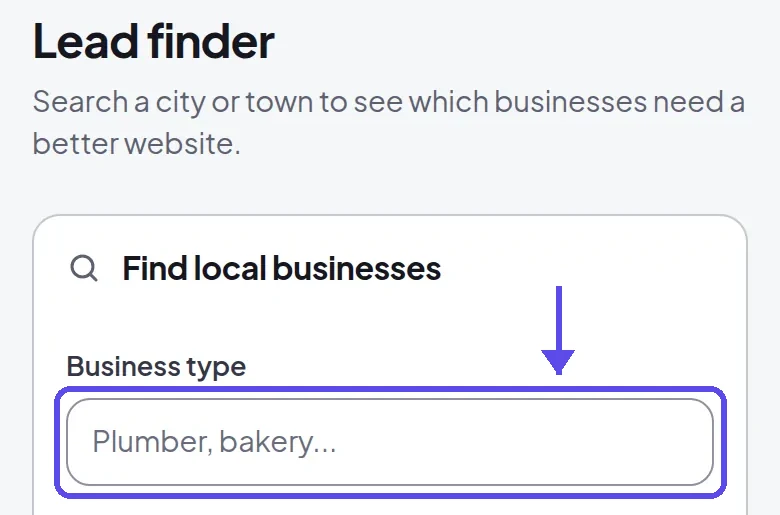
The owner sees the business from the inside. Customers see what a search shows, and that's often a lot less. Search the business name and town on a phone. Then search the business type and town, like plumber Kestrel Bay. Where the business appears, and what a customer can tap, is the honest starting point.
Here's the part many people skip: search the type, not only the name. Customers who don't know the business yet don't type "Insley Plumbing" into a search box. They type "plumber near me" or "plumber Kestrel Bay." So run those searches on Google Maps and see who comes up. A business that only shows up for its own name gets found by people who already know it. That's fine for regulars. It does little for someone new in town who needs a plumber today.
- Search the business name and town on a phone.
- Search the business type and town too, on the same phone.
- Note what a customer can tap first in the results.
- Note which competitors appear above the business in the results.
- Write down what's missing in one plain sentence.
When you're done, you know whether new customers can find the business, meaning people who don't know it yet. You also know what they see first when they do, which is where every conversation with the owner starts.
Tip
Search in a private browser window, so your own history doesn't change the results. You'll see what a stranger sees, which is the point of the check.
2. Check the map listing
Open the business in Google Maps on your phone. Check the hours, the phone number and the photos. Then look for a Website button, and tap it if it's there. A listing with wrong hours or no website sends customers somewhere else, often to the next business on the list. This takes about two minutes.
Next, read the questions and reviews on the listing. When customers ask whether the business is open on Sundays or takes emergency calls, they're telling you what the website should answer first. Write those questions down in their own words. Then scan the reviews for the same thing. If several customers bring up one topic, that's what they care about. Those answers belong near the top of the home page, where nobody has to dig for them.
- The hours match what the owner says they are.
- The phone number reaches the business, not an old line.
- There's a Website button that opens a real page.
- Photos from the last year, not only old ones.
- The questions customers ask in reviews, written down.
Now you know whether the listing sends customers somewhere useful. You also have the two or three questions a website should answer first, taken from what real customers asked on the listing.
Tip
Note the date of the newest review. Recent reviews mean customers still visit, and that makes the business worth your time.
3. Test the website on a phone
Many customers search on a phone. A website that's slow or hard to read on a phone does the job badly. Run the address through PageSpeed Insights to see how it does on a phone. Then open it on your own phone and try to call the business from the page.
The twist is to time it. If you can't find the hours and the call button in ten seconds, neither can a customer standing in the street. That ten-second test convinces an owner faster than any score, because they can try it on their own phone.

- The page opens without a security warning.
- The text is readable without zooming in.
- The call button works when you tap it on a phone.
- The hours show on the first screen, no scrolling.
- The phone score is written down in your notes.
You learn whether the website does its job on a phone. And you have a test the owner can repeat in ten seconds, which means you don't have to convince them of anything.
Tip
Test the page on mobile data, not your home Wi-Fi. A customer standing in the street is on a phone signal, and that's where a slow page shows.
4. See how old the website is
Paste the address into the Wayback Machine to see when the site last changed. A site that hasn't changed in years often has old hours, old prices or staff who left long ago. Check the copyright year in the footer too. It's a quick clue to whether anyone still looks after the site.
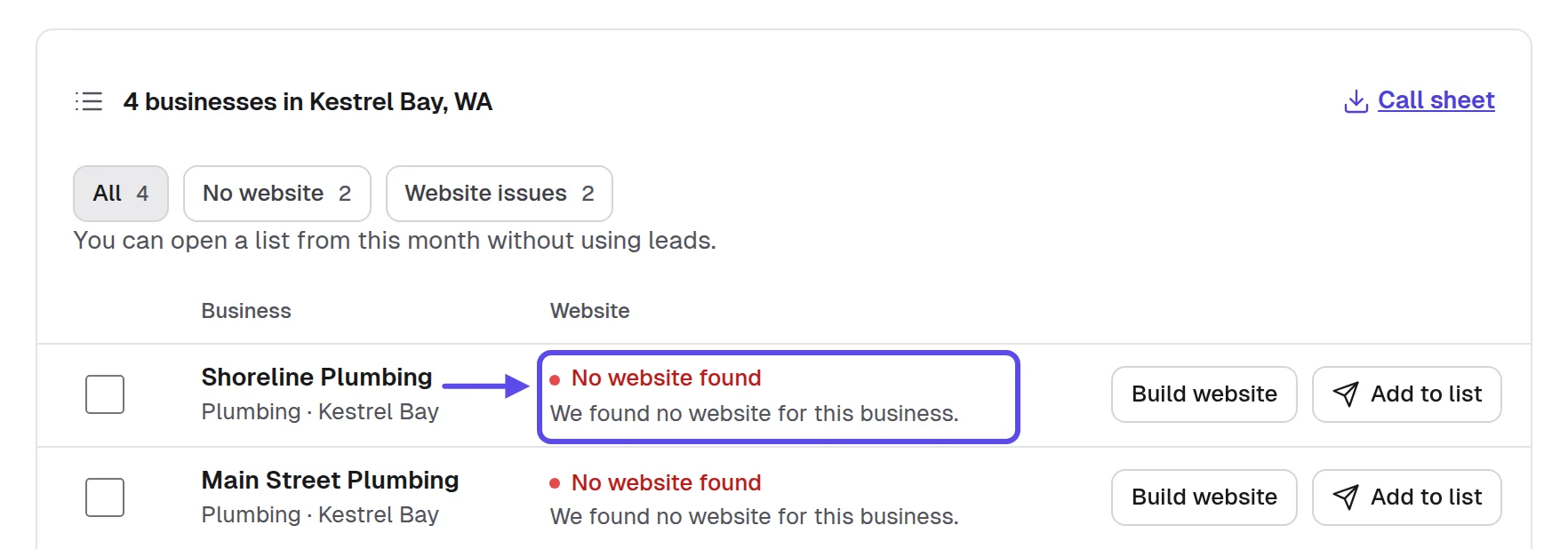
Here's something to keep in mind: an old website isn't always a problem. If the site is old but the hours, phone number and services are correct, and it loads fast on a phone, it may be fine. Tell the owner so. Being honest about that earns you trust. An old site with wrong facts is a different story. It's worse than having no site at all, because customers trust what they read there and act on it.
- Write down the year the site last changed.
- The copyright year in the footer of the page.
- Hours and prices that match what the business offers today.
- No staff or services that are gone from the business.
- No dead links to old social pages.
Now you know which of three cases you're in: the site is old and wrong, old and fine, or missing. Those are three different conversations, and the owner deserves the right one.
Tip
Look at the old website's photos too. Staff, shopfronts and dishes from years ago tell a customer the business has changed, even when the hours are right.
5. Ask what customers ask on the phone
The questions staff answer on the phone every day are the website's job. Think of "are you open today", "do you take walk-ins" and "do you serve my area". Every one answered on a website is a call the owner doesn't have to take. It's also an answer a customer can get after hours, when nobody's there to pick up.
The twist here is to ask the owner, not yourself. You can guess what customers want to know, but the owner already has the answer. Owners know their top three questions by heart, because they answer them all the time. So ask, and then let them talk. Hearing those questions out loud is often the moment an owner decides a website is worth having. It stops being your idea and turns into a fix for something they deal with every day.
Questions to ask
I'm curious which questions your customers ask on the phone every day.
And I'd like to know which of those you'd rather they could answer for themselves.
- The three questions customers ask every day, in order.
- How customers find the business today.
- What the owner wants more of, like calls or bookings.
- What the owner wants fewer calls about.
- The owner's answers, written down in their own words.
You learn the first three things the website must show, in the owner's own words. You also learn whether the owner sees why it matters, which tells you if this is worth taking further.
Tip
Ask the staff too, not only the owner. The person who answers the phone often knows the questions better than anyone.
6. Write down the honest answer
After five checks, you know whether this business needs a website, needs a better one, or can wait. Write it in one sentence. Then say it plainly to the owner, even when the answer is "you're fine for now". Honest answers are what make an owner listen the next time you have something to say.
If the business already has a website, Google Search Console can settle the question. It shows which searches the site appears for. Help the owner add the site and verify that they own it, so the numbers are theirs. Once data comes in, open the Performance report, then Queries. Look for the business type plus the town, like plumber Kestrel Bay. If that search shows impressions and an average position near the top, the site is showing up and doing its job. If it only shows up for the business name, that tells you something too. Either way, the numbers answer it better than your opinion or theirs.
Website checkup note
Subject: A short website checkup for [Business name]
Hi [Owner name],
I'm [Your full name] from [Your business name]. I looked up [Business name] the way a customer would.
Here's what I found: [what a customer finds first], [what's missing or wrong], and [what customers ask that the page doesn't answer].
If you'd like, I can make a website that fixes those and show it to you first, before you decide anything.
If you'd rather not hear from me, reply "no thanks" and I won't write again.
[Your full name], [Your business name], [your mailing address]
- One of three answers: needs one, needs better, can wait.
- The reason in one plain sentence.
- The three things a website must show first.
- Say "you're fine for now" when it's true.
- The date you checked, written in your sheet.
Tip
Keep the sentence short enough to say in one breath. An owner remembers a plain answer, and a long one sounds like a pitch.
What a small business website should have
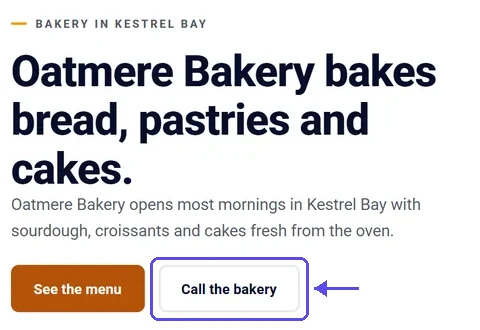
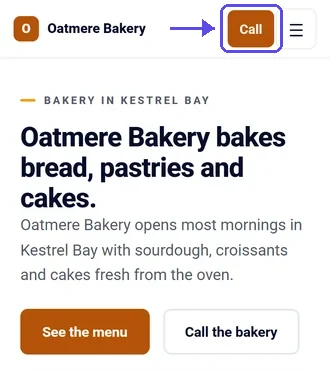
A small business website should have the name, the town, a call button, current hours, the address or area served and the services or menu, all easy to find on a phone. It doesn't need many pages: it needs what a customer looks for in the first ten seconds, then the details that save a phone call. Here's the full list, in rough order of how fast a customer wants it. The order shifts with the business: for a plumber like Insley Plumbing, the call button goes at the top, while Oatmere Bakery leads with its menu and a line on how to order.
- The business name, what it does and the town, all on the first screen.
- A call button that works when a customer taps it on a phone.
- Opening hours, kept current, including holidays and any special closings.
- The address and a map, or the area the business serves.
- The services, menu or price list customers ask about on the phone.
- Real photos of the work, the shop or the team.
- Reviews the business really received, never ones written for it.
- A contact form that reaches the owner, not an old inbox.
- Fast pages that load quickly and read well on a phone.
- An address the owner keeps, on their own domain name.
How to answer "we don't need a website"
Owners say it for a reason, and the reason tells you what to say next. Never argue. Agree with what's true, then show the one thing a customer can't do today. These replies cover the four reasons you'll hear often, plus a first text message.

Has a Facebook page
That's a good start, and your customers do use it. Not every customer has an account, though, and the page doesn't show your hours and services in one place. A website works alongside it, and your page can link straight to it.
Word of mouth
Word of mouth is the best kind of customer there is. When someone hears your name, they look you up before they call. A website makes sure what they find matches what their friend said.
Tried one before
Many owners had a website that went stale, or a designer who disappeared. This one is already built, so you can see it first, and I look after changes every month. If it isn't right, you don't pay.
I don't have time
You don't need any time to start, because the website is already made from what your business has published. Look at it on your phone for five minutes. Any change you want, tell me in plain words and I'll make it.
First text message
Hi, this is [Your full name] from [Your business name], [your phone number], [your address]. I looked up [Business name] and couldn't find your hours online, so I built a website that shows them. Here it is: [Website link]. Reply STOP to opt out.
Tip
Agree first, then show. An owner who feels heard will look at the website, and one who feels argued with won't.
Getting a website without the work
The old reason owners skipped a website was the work. Weeks of back and forth, photos to gather, words to write and a big bill at the end. With AI, a finished website is built in minutes from the business's own listing and current website. The owner sees it before deciding anything.
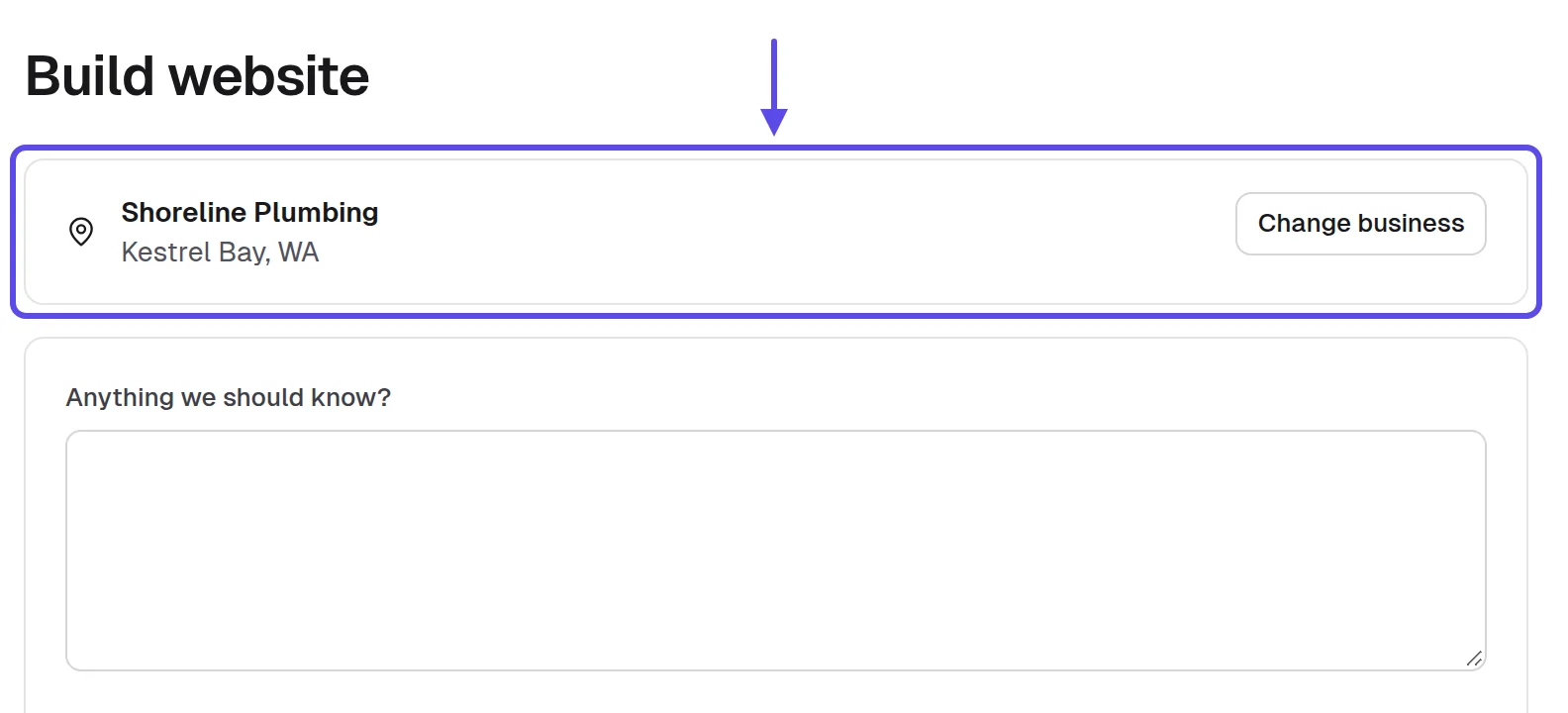
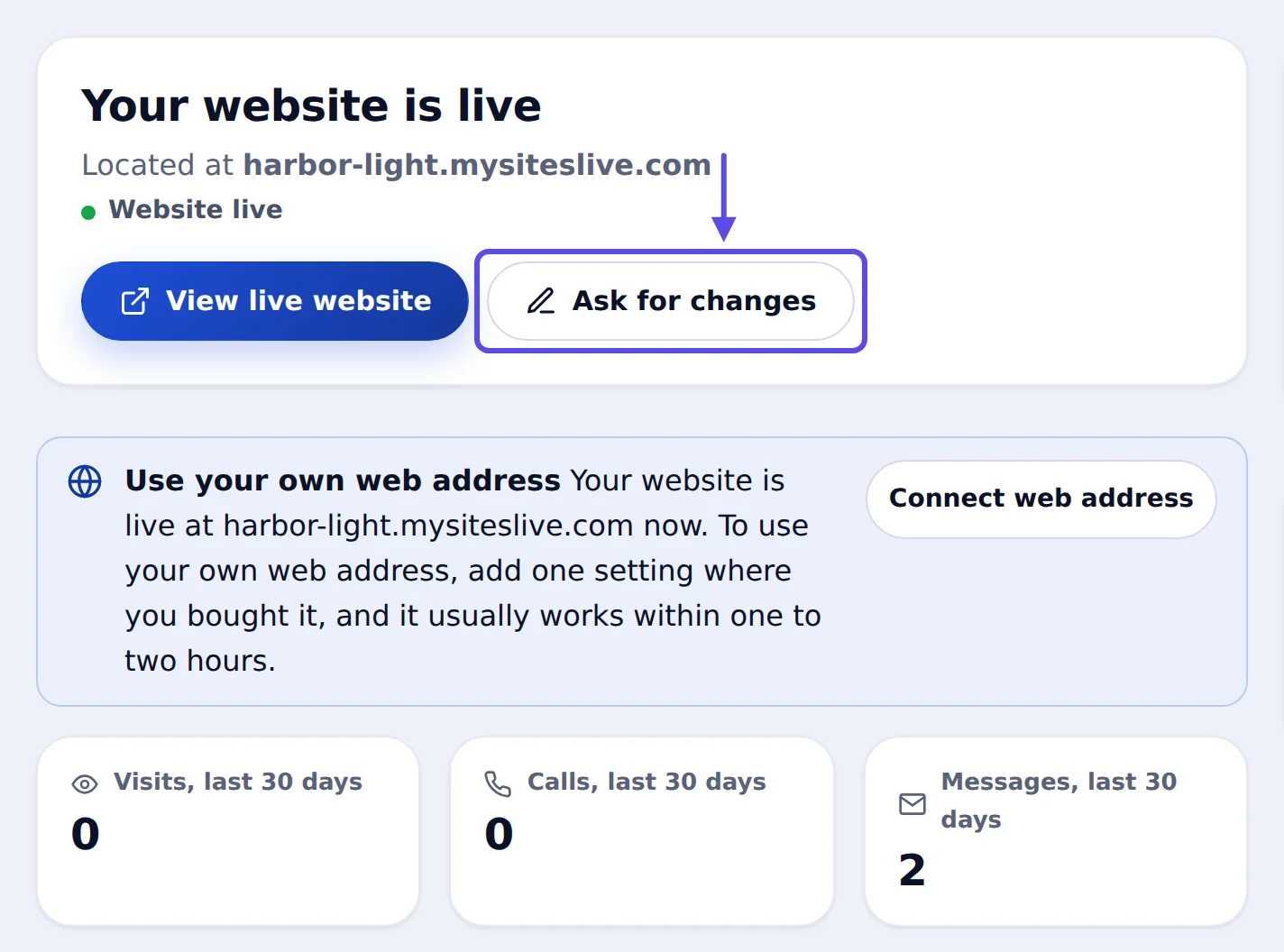
When the owner approves, they pay the person who built it every month, and the website goes live at its address in a few minutes. Owners ask for changes in plain words from their own login. They see their visits, calls and messages there too. Their domain stays theirs, and they can cancel at any time.
If you sell websites, there are two next steps. First, find businesses that need a website. Then decide what to charge before you meet them. Both have their own guide on our blog, and each one goes step by step.
How to know a website is working for a business
The owner can see whether it's working in plain numbers from their own login, or in Google's own tools. There's no magic figure to hit. These are things to watch, not targets, and the trend over a few months says more than any single week.
- Calls that come from the website's call button, counted each week.
- Messages that arrive through the website's contact form.
- Visits each week, and which pages customers open.
- Fewer phone calls asking for the hours or the address.
- New customers who say they found the business online.
If the numbers stay flat for a few months, check two things. Make sure the map listing points to the website. Then make sure the first screen answers the top three questions customers ask.
Frequently asked questions
Do small businesses really need a website?
Nearly all that want new customers do, because customers look a business up before they call or visit. If there's nothing to find, they often pick someone else. The few that can wait are fully booked with no plans to grow, or about to close or move.
Do I need a website if I have a Facebook page?
Yes: a social page helps, but it isn't enough on its own. The owner doesn't control it, not everyone has an account, and it doesn't hold the hours, services and call button in one place. Keep the page for news and photos, and have it link to the website for everything else.
Is a Google Business Profile enough for a small business?
No: a Google Business Profile is the first thing to get right, but it holds short lists only. It's where many customers find a business on a map, and its Website button needs somewhere to send customers who want more, like the full menu, the services or the area served.
What should a small business website include?
The essentials come first: the name, what the business does and the town on the first screen, a call button, current hours, the address, services or a menu, real photos and a contact form. Fast pages that read well on a phone matter more than having many pages.
How many pages does a small business website need?
Often one to five pages is enough. Start with a home page that has the essentials, then add services or a menu, an about page and a contact page. Add more pages only when customers ask about more, such as when the business has several locations.
Who owns a small business website?
The business should always own its domain, whoever builds the website, so the address stays with the owner if anything changes. With websites built in our app, the domain stays the business's, and the owner can cancel at any time without losing it.
Sources
- CX Dive, “Customers back up their initial searches for local businesses with reviews” (July 11, 2025), on a survey of more than 1,000 US consumers
- Rio SEO, 2025 Local Search Consumer Behavior Study (US consumers; Business Wire, May 21, 2025)
- Clutch, “83% of small businesses now have a website” (press release, August 21, 2025)
- Ironstone, Lead finder’s searches and results for partners (our own accounts left out), October 8 to November 17, 2026, from our own records read November 20, 2026