Get paid by your clients
Connect your payouts once, and your clients pay your price through your storefront, with you as the merchant.
Connect your payouts
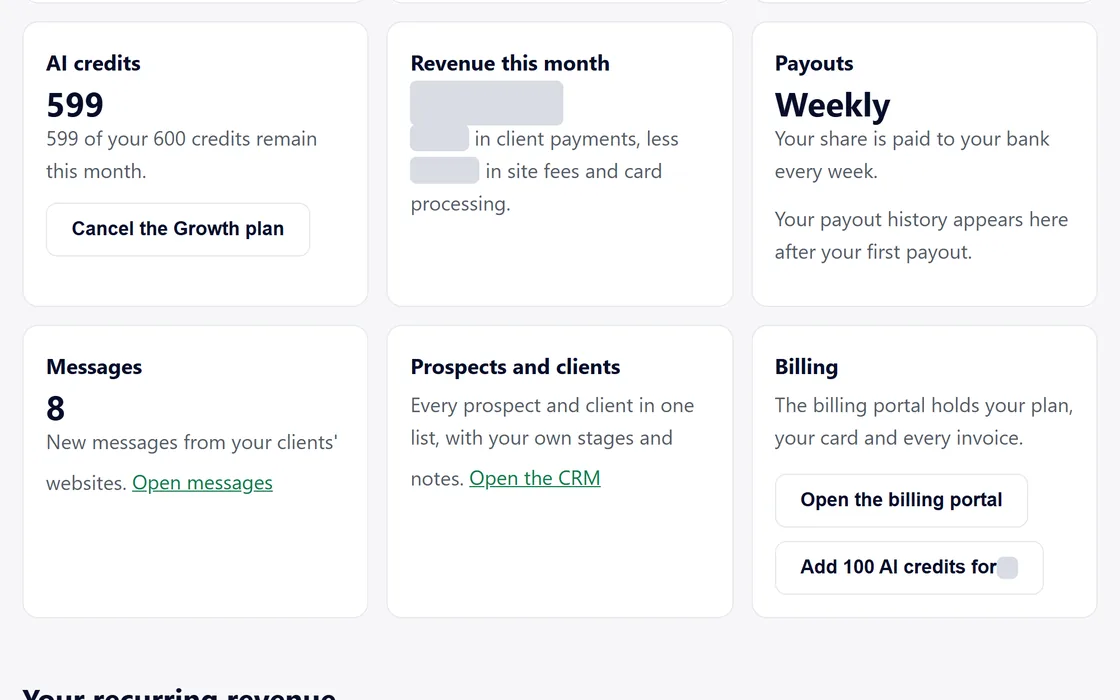
- Press Connect payouts on your dashboard.
- Our payment provider asks for your details and your bank account on its own secure page.
- Return to your dashboard, which shows your payout status.
- Your storefront takes client payments once the status reads active.
Payouts arrive every week, or every business day on the Agency plan.
How a client pays
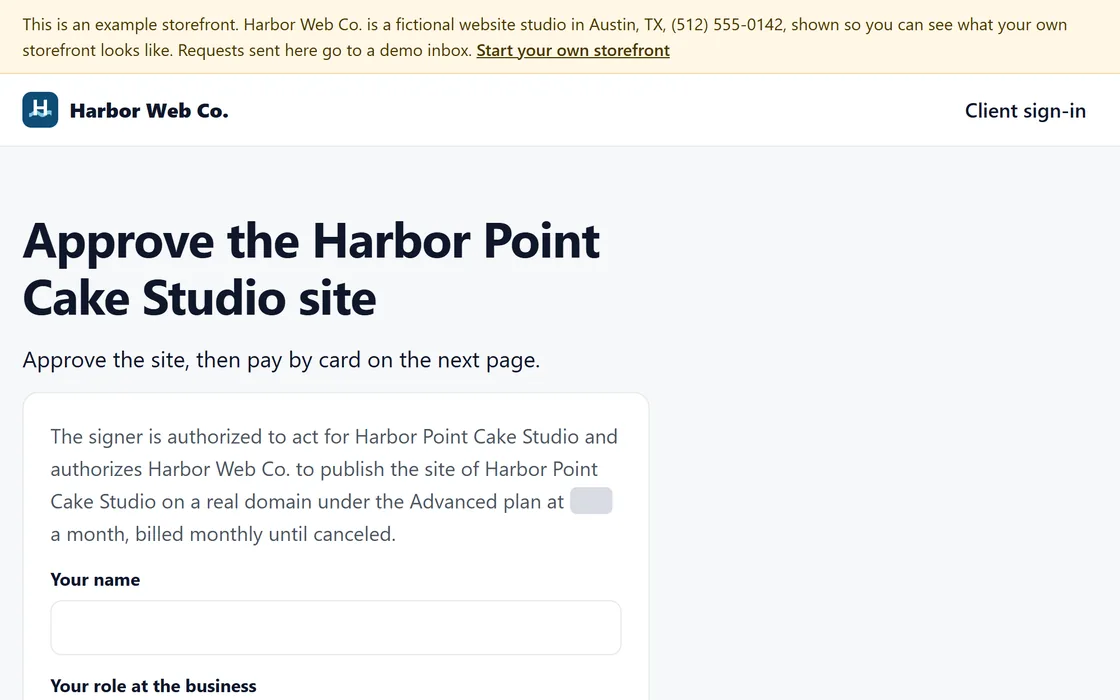
- Your client approves the site and presses Pay, on the preview or in their login.
- Checkout shows your price and the level of site, billed monthly.
- The payment goes through, and your dashboard lists the client under paying clients.
- Your share arrives on your next payout day.
Your client pays month to month and can cancel at any time.
Questions
My client wants to pay, but payouts are not connected.
The approval is still recorded, and the page tells your client that you will send the way to pay. Connect your payouts, then send the link again.
My client's card was declined.
Reminders go to your client in your name, and the site stays online while the card is tried again.
My client wants a refund.
A full refund within 30 days of the first payment takes one click.
Related guides
Screens and businesses shown are fictional.
If you are still stuck, write to us, or see all 20 guides.