When a client stops paying
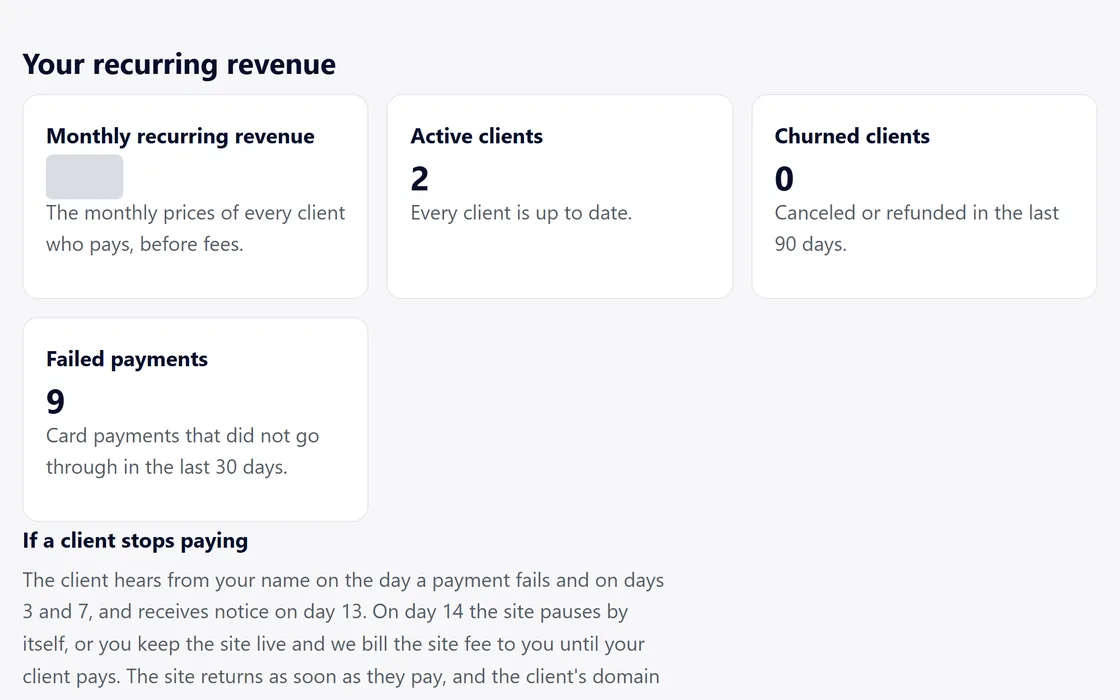
A failed card payment starts reminders to your client in your name, and the site stays online for 14 days.
Day by day
- Day 0: your client receives a reminder in your name, with a link to update their card.
- Days 3 and 7: your client receives another reminder.
- Day 13: your client receives notice that the site pauses the next day.
- Day 14: the site pauses, unless you chose Keep this site live on your dashboard. A site you keep live stays online, and its monthly site fee is billed to you until your client pays.
- When your client pays, the site returns at once, and you both receive an email.
Your dashboard counts the failed payments of the last 30 days.
Keep a site live
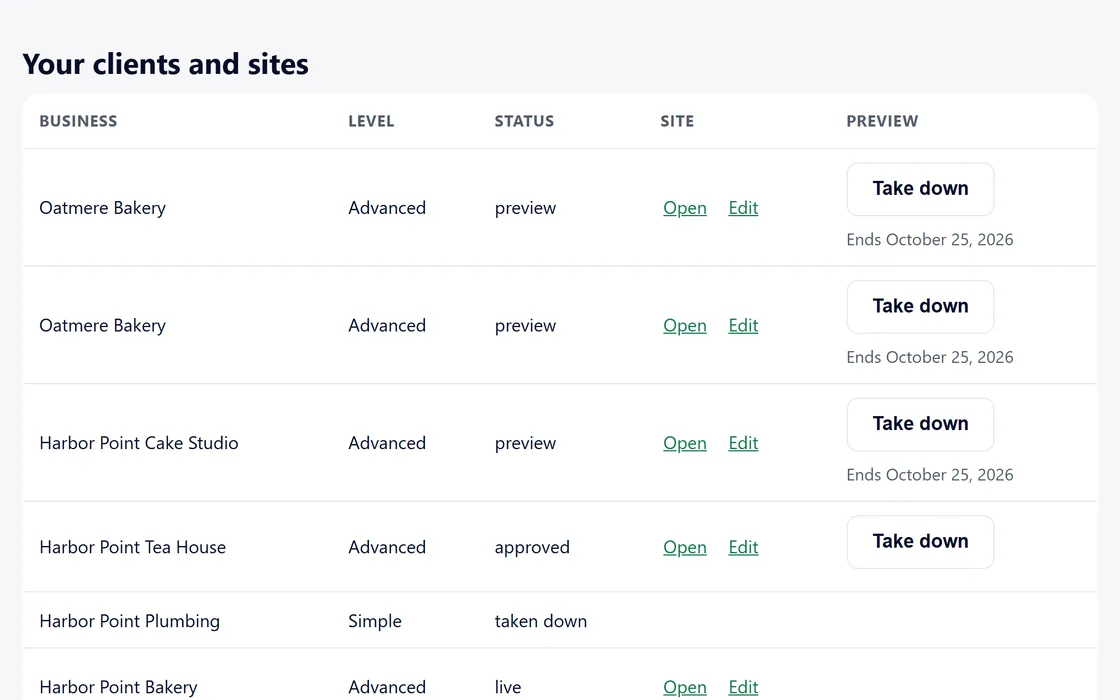
- Find the site in Your clients and sites on your dashboard.
- Choose Keep this site live, at any time, before or during a missed payment.
Your client's domain stays theirs throughout. Your own plan payment never affects your clients' sites.
Questions
What does a paused site show?
A short notice in your brand in place of the site, until your client pays.
My client wants to change their card.
Each reminder tells your client to sign in and open the billing page, where they update the card.
Related guides
Screens and businesses shown are fictional.
If you are still stuck, write to us, or see all 20 guides.