Collect comments and approval
Your client comments on the preview and approves it from the same page, and we keep a record of each approval.
Comments
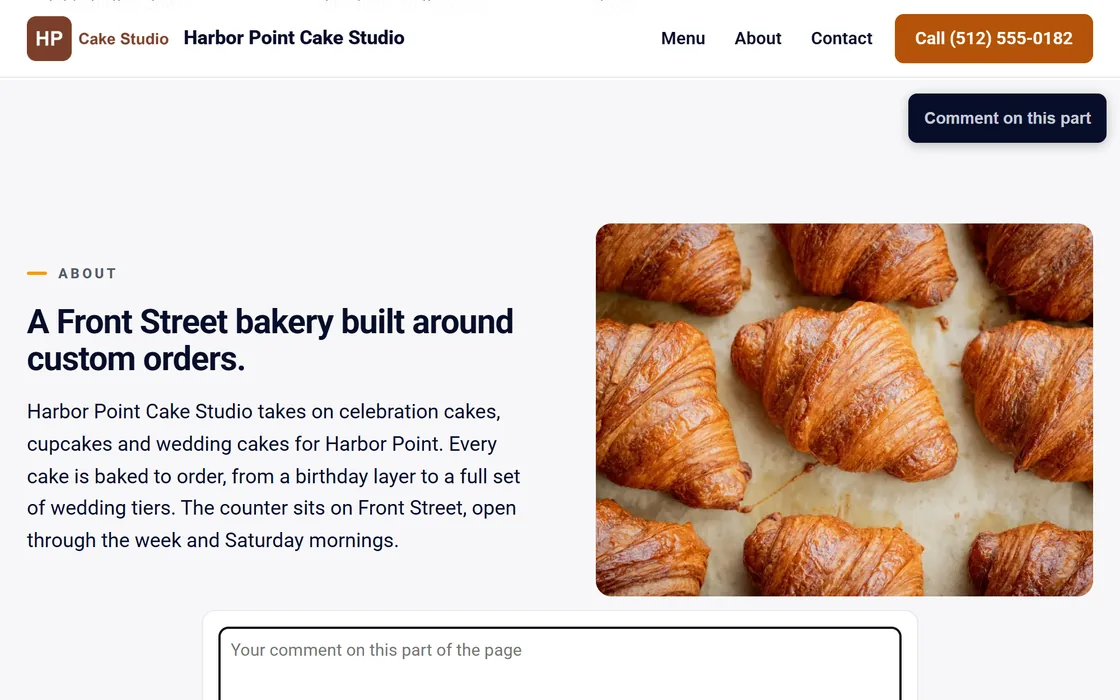
- Send the preview link to your client.
- Your client presses Comment on this preview and pins a note to any part of the page.
- You receive an email, and the comment appears on the site's page in your dashboard.
- Mark each comment resolved once the change is made.
The preview link works for 30 days.
Approval
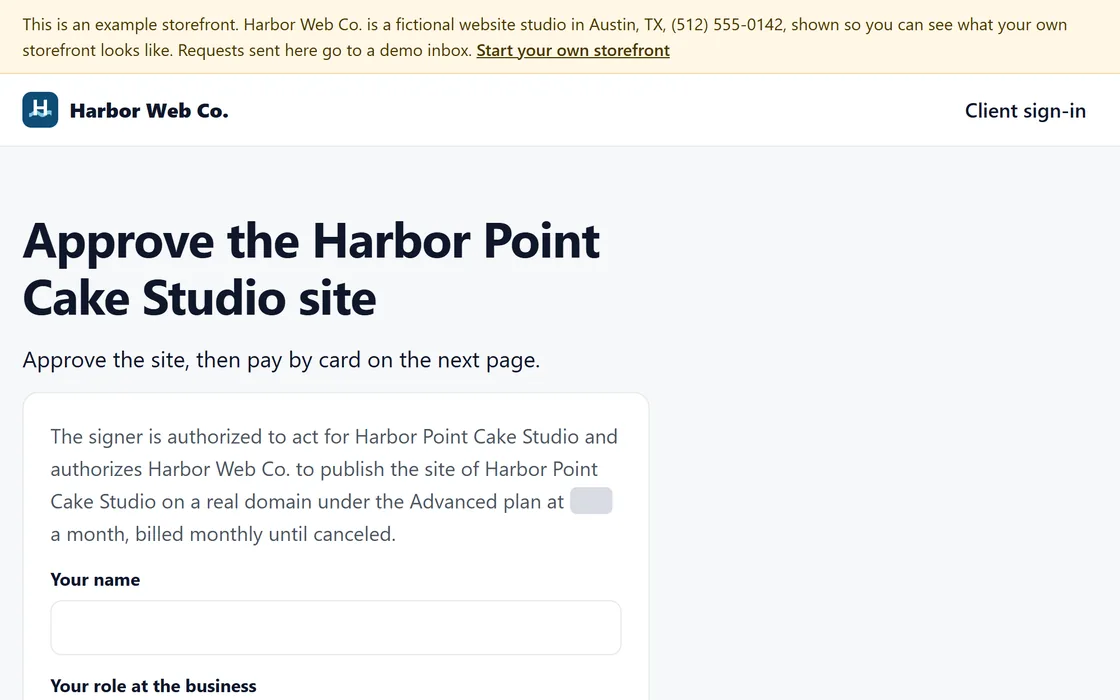
- Your client presses Approve and pay on the preview, or signs in with an email link on your storefront.
- They read the statement, enter their name and their role at the business, and approve.
- They pay by card at your price, and the site can then connect to their domain and go live.
We keep a record of each approval with its date, time and wording. Before you connect your payouts, the approval is still recorded, and the page tells your client that you will send the way to pay.
Questions
Can my client approve without paying?
Yes. The approval is recorded on its own, and payment follows on the next page or later from their login.
Does my client need an account to comment?
No. The preview link is enough to comment, and approving asks only for a name and a role.
Related guides
Screens and businesses shown are fictional.
If you are still stuck, write to us, or see all 20 guides.