How to decide what to charge for a website
Your storefront asks for a monthly price for each level of site. This guide shows you how to choose each price from your costs, what the site is worth to the owner and what others charge near you.
On this page
Your costs
Three costs come out of every monthly price you set: your plan, a monthly cost for each live site by its level, and card processing on each payment your client makes.
The pricing page lists each cost, and the margin calculator shows what you keep from any price you try.
The owner and the market
Ask the owner how customers find the business today, and what one new regular customer means to it. The answer tells you which level to recommend.
Fernbrook Bakery takes cake orders by phone, and callers ask the same things: the hours, the flavors and how far ahead to order. A page for each kind of cake answers them before the phone rings, which makes the case for the Advanced level.
Then search for web designers near you and note how each one charges. When a designer charges a build fee and a monthly plan, spread the build fee over a year before you compare it with your monthly price.
Three levels
Your storefront offers three levels, and each includes everything in the one before:
- Simple. One page with the business's details, a tap-to-call button and directions.
- Advanced. A page for each service, an about page, a contact page and a photo gallery.
- Professional. A service-area or events page, a questions section, two blog posts and editorial photo layouts.
Set prices that rise with each level, so an owner sees what each step adds. More services than fit on one page, photos to show, several towns or regular events all move a client up a level.
Why monthly
Your storefront bills your clients monthly, and they can cancel at any time. When an owner asks why, the answer is short:
- One bill covers the site, its hosting and the changes the owner describes in plain words.
- The owner makes no large payment at the start.
- The site stays current, because the owner can change it on any day.
Your first prices
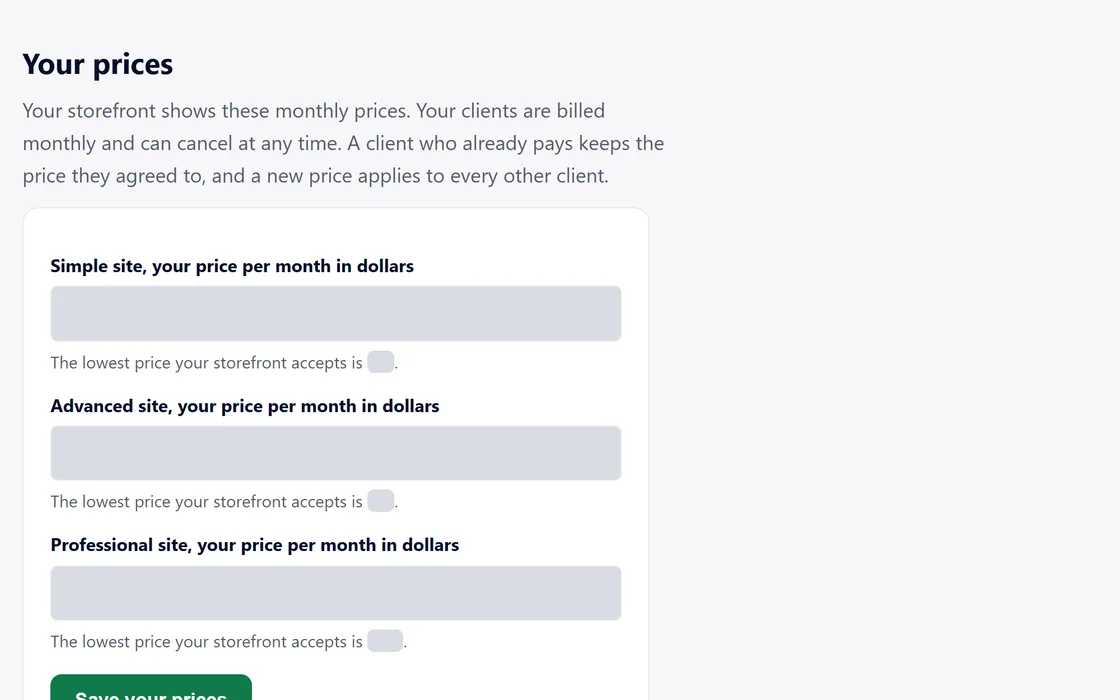
When you set up your storefront, the form suggests a price for each level and shows the lowest price for each. Start from the suggestion, then change your prices in Settings whenever your costs or local prices change.
After your first clients
After your first few clients, note how long each site took you, how many changes each client asked for and which level each one chose. Adjust your prices for new clients from what you find. Each existing client keeps the price they agreed to.
Questions
Can I charge a one-time build fee?
Your storefront bills monthly, and the build is included in each client's monthly price. For a smaller monthly bill, offer a lower level.
Can I change a client's price later?
New prices apply to new clients, and each existing client keeps the price they agreed to.
What if an owner asks for a discount?
Offer a lower level with fewer pages, so the price still matches the work.