Open your account and set up your storefront
You sign in with a link sent to your email, name your storefront, set your prices and share your link. There is no password to remember.
Sign in
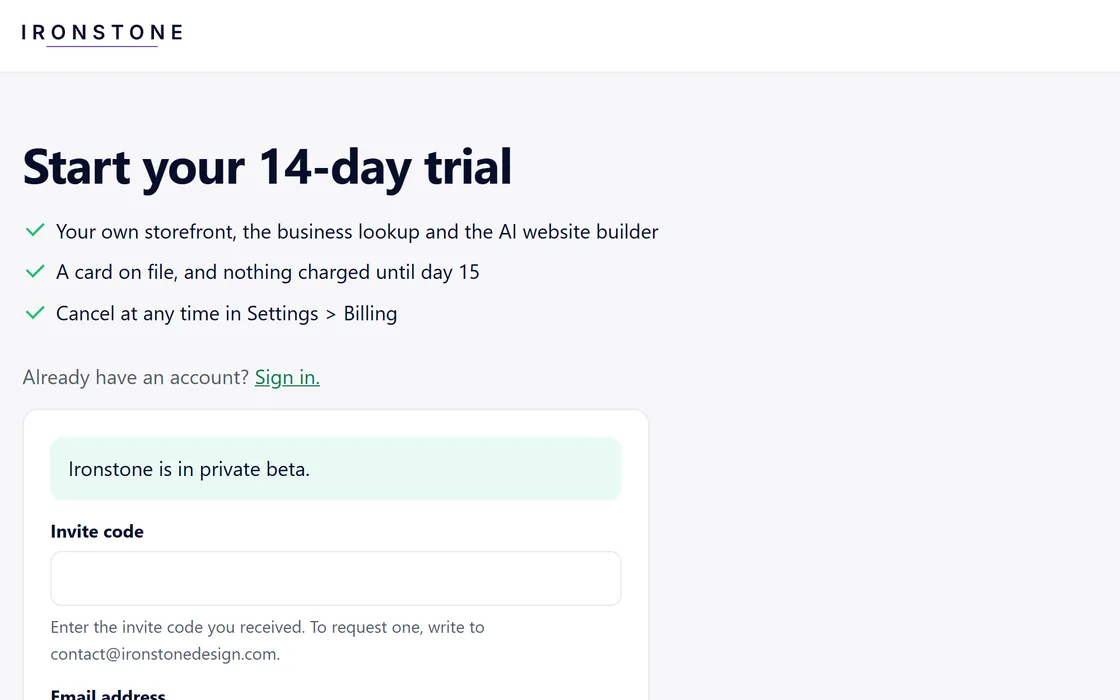
- Go to app.ironstonedesign.com/start and enter your email address.
- During the beta, enter the invite code you received.
- Open the sign-in link we send you. Each link works once, within 15 minutes.
- Your session stays signed in for 30 days.
If a link has expired or was already used, the page offers to send you a new one.
Set up your storefront
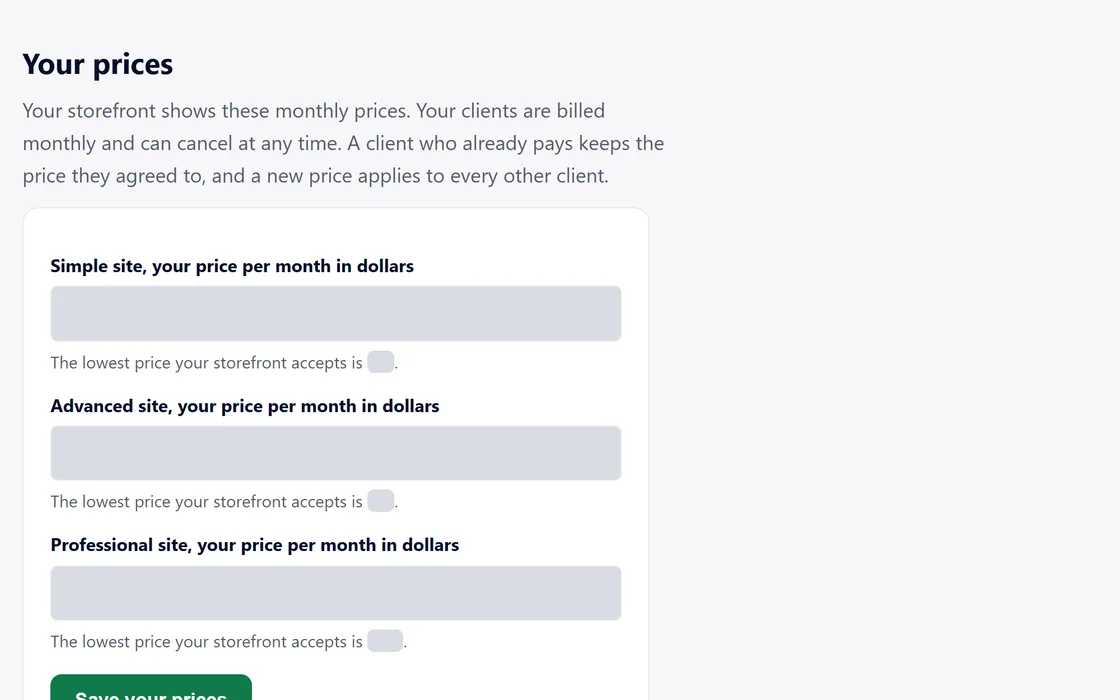
- Enter your storefront name, which your clients see on every page.
- Choose the country where you work. Your plan and your payouts use it.
- Set your monthly price for Simple, Advanced and Professional. The form suggests a price for each level and shows the lowest price it accepts.
- Press Open your storefront, and your storefront goes live at once.
- Add your logo and your accent color later under Settings, Brand.
You can change your prices at any time in Settings. A client who already pays keeps the price they agreed to, and a new price applies to every other client.
Share your link
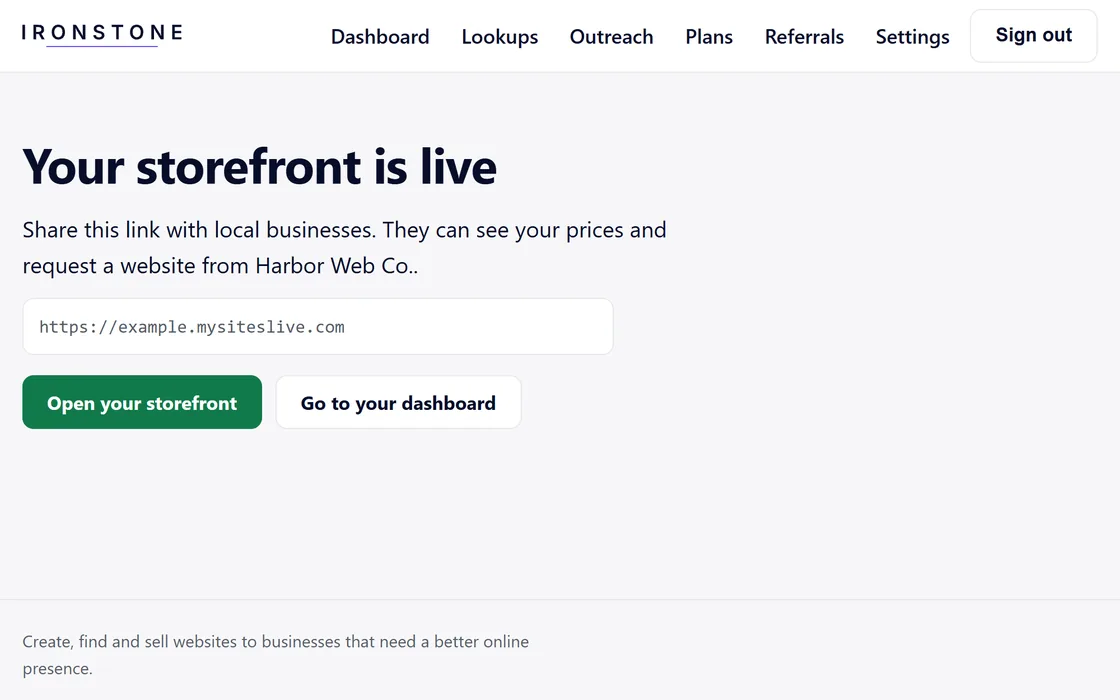
- Copy your storefront link from the page that opens after setup, or from your dashboard.
- Add it to your email signature, your social profiles or a message.
- A business that opens it sees your name, your logo and your prices, and can request a preview.
Your storefront carries your name only. A business can pay once your payouts are connected.
Questions
The sign-in email has not arrived.
Check your spam folder, then use the button on the confirmation page to send the link again. It can be sent twice more, half a minute apart.
The invite code is not accepted.
Each code works once. Copy it straight from the message that gave it to you, and if it still fails, write to us.
What does a business see?
Your storefront name, your logo, your prices and a form to request a preview.
Related guides
Screens and businesses shown are fictional.
If you are still stuck, write to us, or see all 20 guides.