Messages, results and monthly reports
Every site has a contact form, counts its visits and calls, and sends its business a monthly report in your name.
Messages
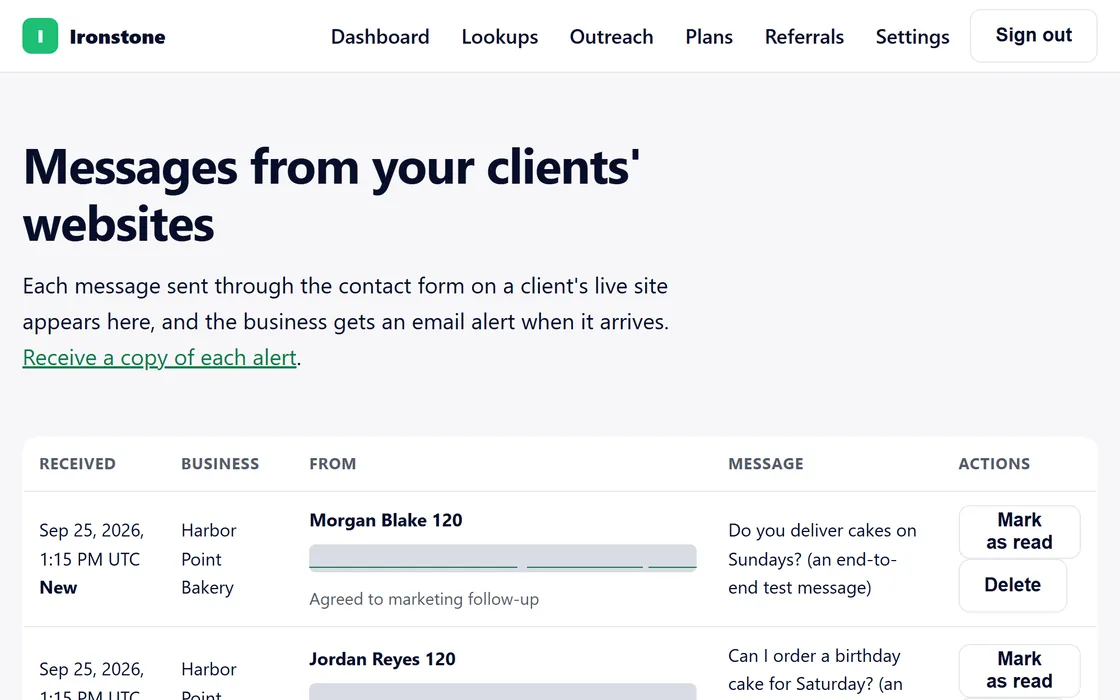
- Open Messages on your dashboard to read the messages from every client's website.
- Mark a message as read, delete it, or download the list.
- Choose Receive a copy of each alert if you want a copy of every alert.
Each message reaches the business by email as well.
Results
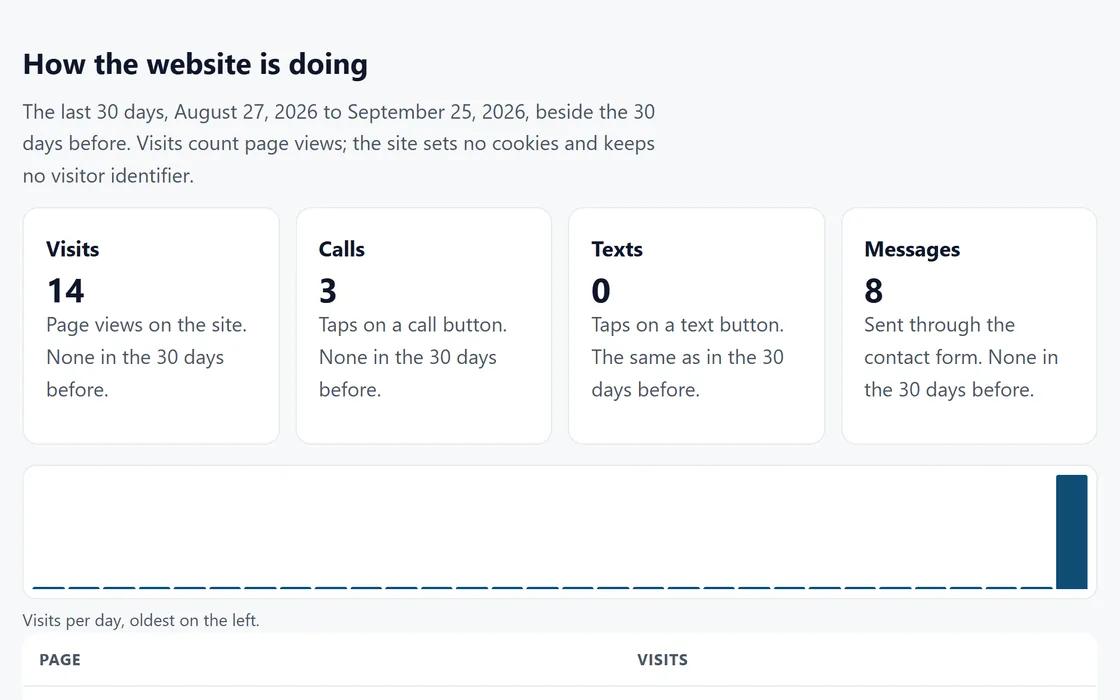
- Open a site's page to see its visits, calls, texts and messages over the last 30 days.
- Each count sits beside the 30 days before, with a bar for each day.
Visits are counted without cookies. Calls and texts are taps on the call and text buttons.
Monthly report
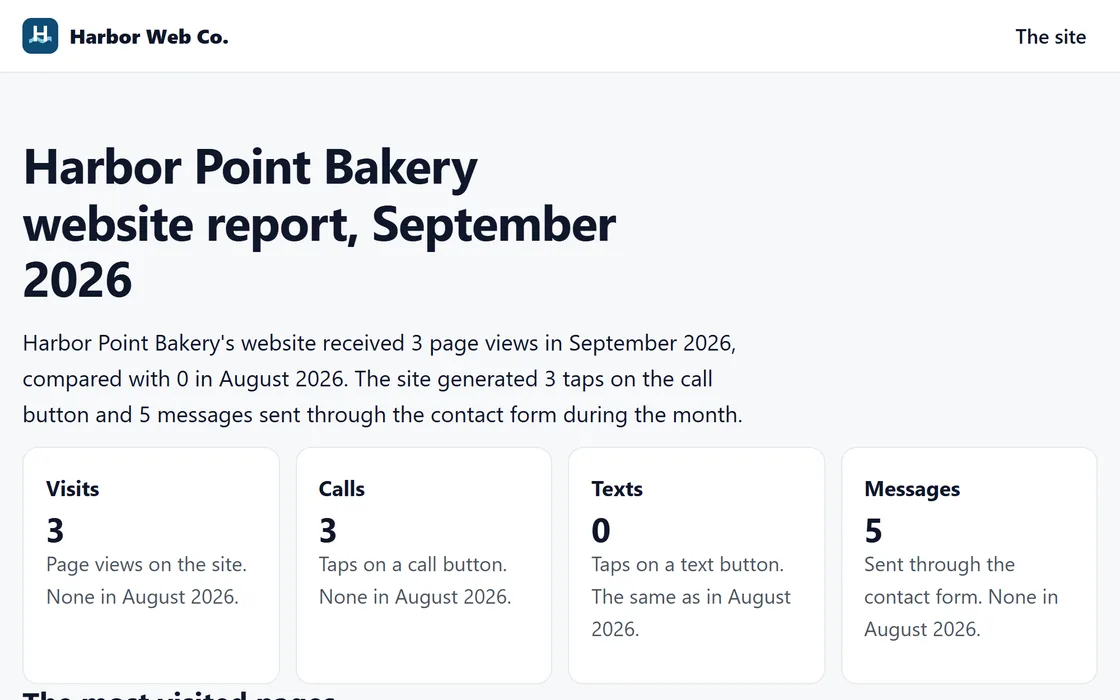
- On the first day of each month, each live site's business receives a short report in your name.
- It lists the visits, calls, texts and messages and compares them with the month before.
- A short summary describes the month in plain words, from those numbers only.
- On Growth and Agency, the report also comes as a branded PDF.
You can open every report from the site's page in your dashboard, and your client can open it in their login.
Questions
A business says it gets no messages.
Check the Messages list on your dashboard. Every message sent through the site appears there as well as in the business's email.
Can my client see these numbers?
Yes. Your clients see their own messages and results in their login.
Related guides
Screens and businesses shown are fictional.
If you are still stuck, write to us, or see all 20 guides.